Google Workspace’s Security Warning Was Actually Just A Sales Pitch

When it comes to digital security, I consider myself on the “overly cautious” side. I pay for a Google Workspace Business Starter account, shelling out seven dollars a month for a set of features including 24/7 support and “security and management controls.” And I am enrolled in Google’s Advanced Protection Program, which Google says is “recommended for anyone who is at an elevated risk of targeted online attacks.” This limits my ability to use my account with some apps and services that request access to sensitive data, like my emails and Google Drive, and it will require extra steps for account recovery should I ever lose access to my account. Google’s own Security Checkup found no recommended actions for me to take.
I've written in the past about how charging for essential software features undermines digital safety. In this case, even Google’s free and lowest-cost Workspace accounts offer essential security features, but the sales email in disguise as a security warning implies otherwise.
Google doesn't charge people for using passkeys or security keys, which is as it should be. “All business Gmail accounts come with features like two-factor authentication and phishing protection (Gmail blocks 99.9% of attacks before they happen) to help keep your users safe,” the site boasts. Elsewhere, Google says that Workspace allows users to “stay safe with advanced security.”
Given all of this, imagine my surprise when I received an email with the subject line “Regarding your account: Fix potential security issues.”
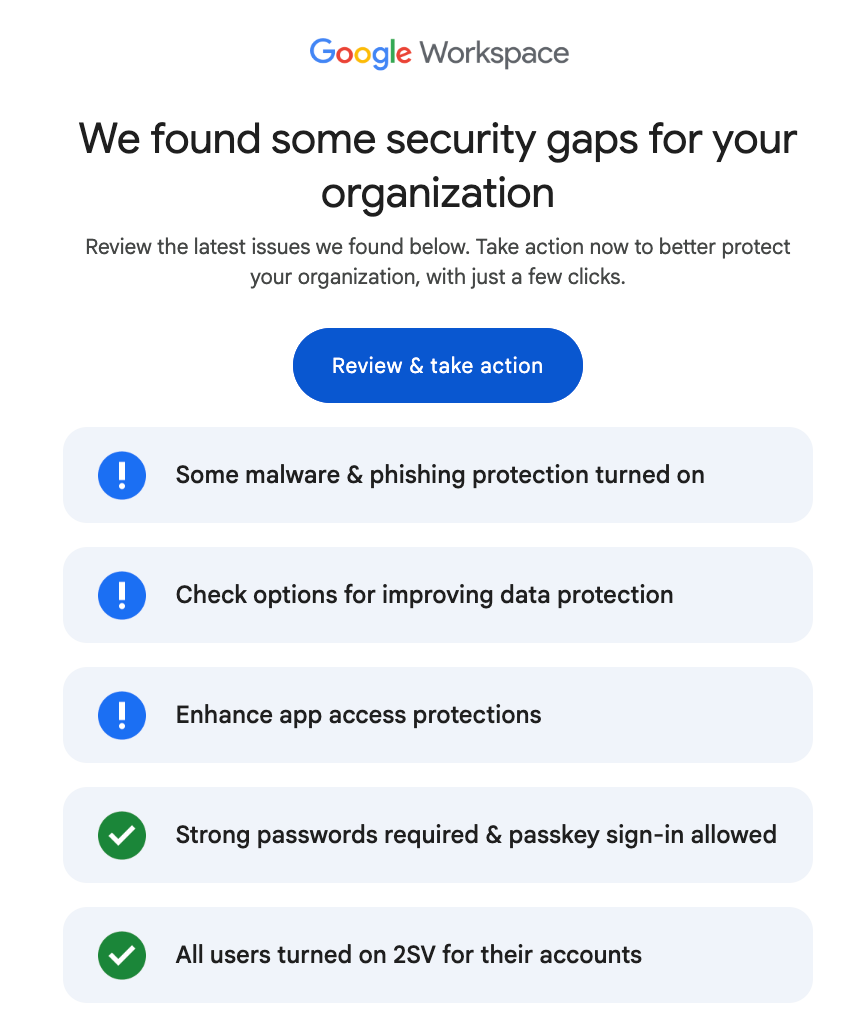
While the email correctly noted that I’d turned on multi-factor authentication for my account, required strong passwords, and accepted passkey sign-in, there were blue exclamation points rather than green checkmarks indicating that I didn’t have full malware, phishing protection, data protection and app access protections turned on.
When I clicked on “review and take action” to review the issues Google had said it found, and to “take action to protect my organization with just a few clicks,” I was taken to another page telling me how to “enhance my security in just a few steps.”
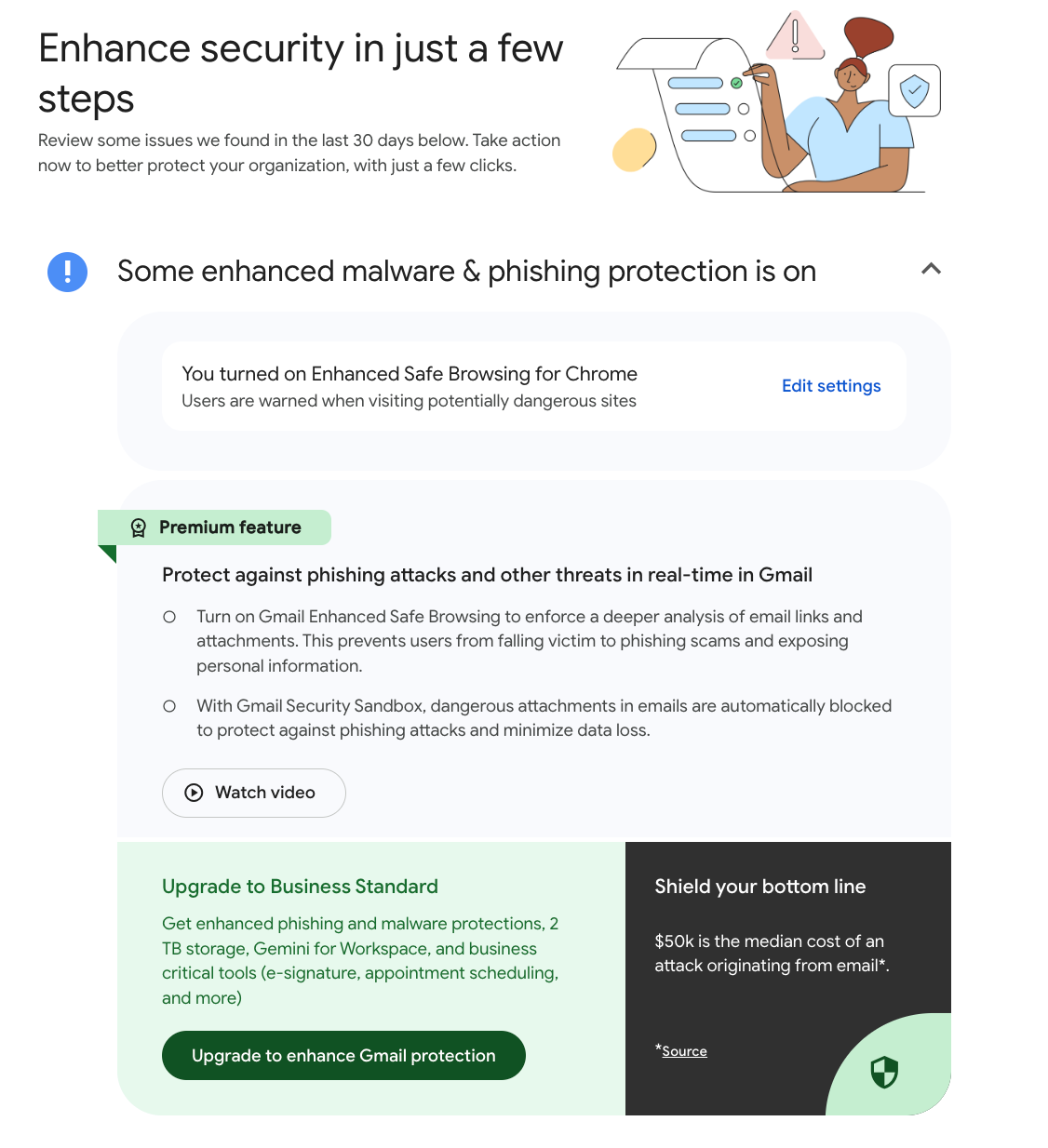
That site warned that I only had “some” enhanced malware and phishing protection turned on, but could upgrade to enhance Gmail protection. Although I had “Google Safe Browsing” turned on, I would need to upgrade to “Protect against phishing attacks and other threats in real-time in Gmail” by turning on “Gmail Enhanced Safe Browsing” (weirdly a totally different thing than "Enhanced Safe Browsing for Chrome, which I had turned on) for a deeper analysis of email links and attachments, and “Gmail Security Sandbox” to automatically block dangerous attachments in email to protect against phishing attacks and minimize data loss. It even had a short video.
The video recommended upgrading to Google Workspace Business Standard, which costs $14/month (double what I am currently paying). Features highlighted in that page included AI features such as Gemini in Workspace, the Gemini App, and Notebook LM.
When I compared plans, none of the described features in this standard plan offered enhanced security. For “advanced endpoint management,” I would need to switch to a $22/month Plus account. The account did offer additional storage, unlimited eSignatures, automatic noise cancellation and meeting recordings, and offered “expanded” AI features that it turns out I already had basic access to.
The second warning admonished me to check options for including data protection. Although it rightly pointed out that I had turned on warnings or other protections, premium features would allow a more granular, automated approach to data protection. There was a link to the same video shown above.
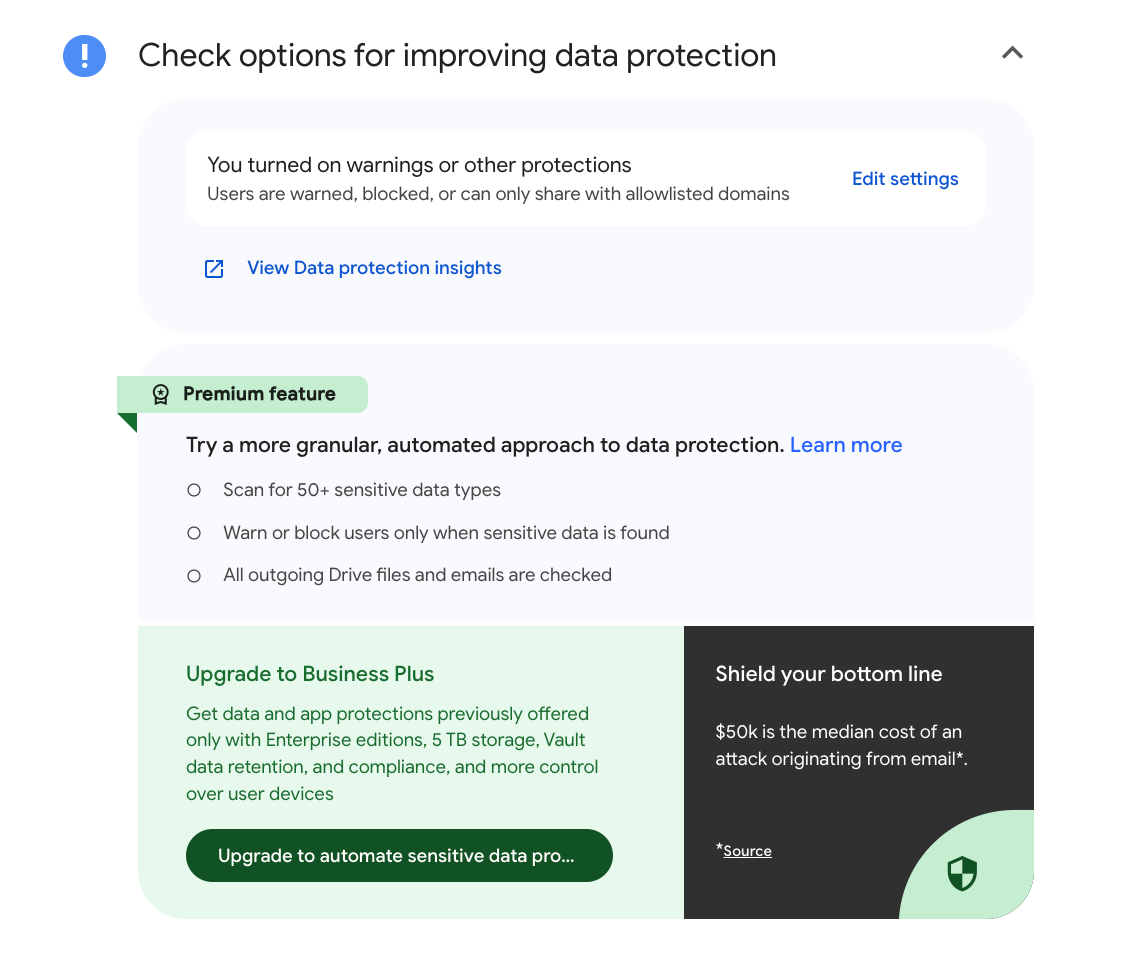
The more granular approach to data protection section includes a page with features available for Frontline Plus, Business Plus, Enterprise Standard and Enterprise Plus accounts. And there's an upgrade link to a page trying to sell me a $22/month Google Workspace Business Plan. This plan offers even more storage than the previous upsell, a feature named Google Vault for eDiscovery and data retention, and advanced endpoint management.
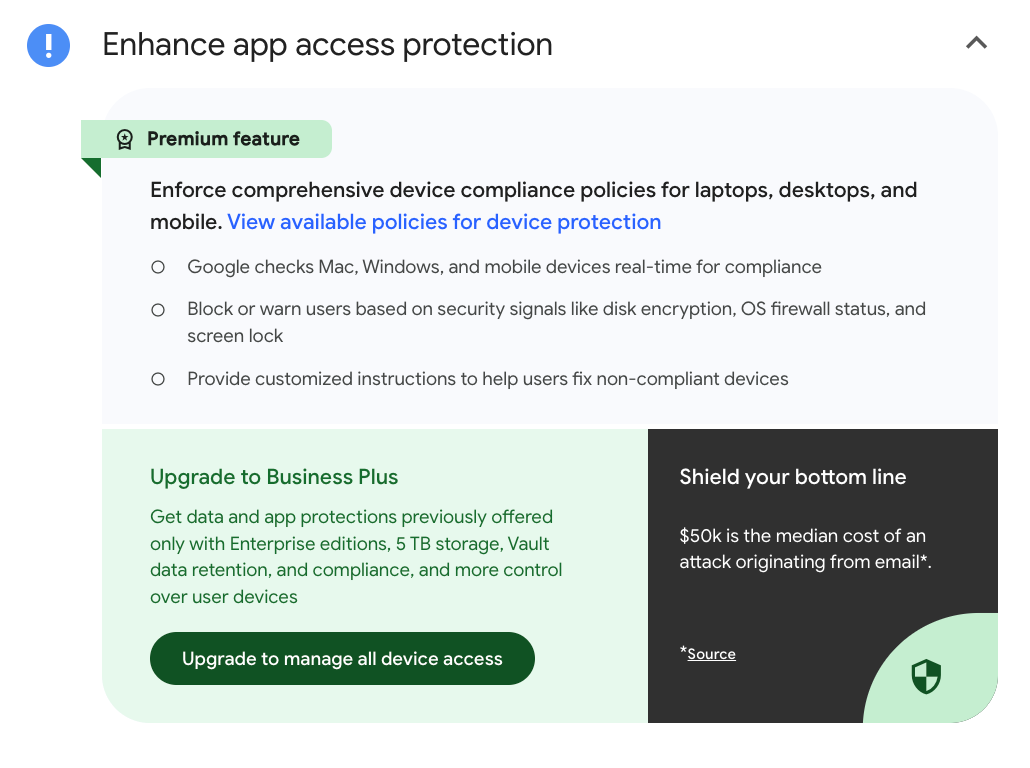
The third and final warning was to “enhance app access protection,” a feature that allows administrators to flag security issues, warn or block users on unsafe devices, and know when users try to access Workspace apps. This was another upsell for the $22/month Google Workspace Business Plus.
As a person who owns a Google Workspace Account for my organization of one, I’m almost certainly in the minority of people receiving this email, versus people who actually act as administrators for a larger group. While the sales attempt may have come across as less clumsy for someone actually shopping for these features, what’s most disturbing is that what got my attention were purported security risks that I reasonably assumed meant I was vulnerable to malware and phishing despite going through the sometimes tedious process of turning on all available protections for my $7/month plan.
What I want to know:
Which of the features not in Google’s free/lower tier plan puts consumers at risk of phishing and malware?
Do other people receiving this email reasonably assume their account is at risk?
Why this particular sales tactic?